






What Is an Android TV Box? A Complete Beginner’s Guide
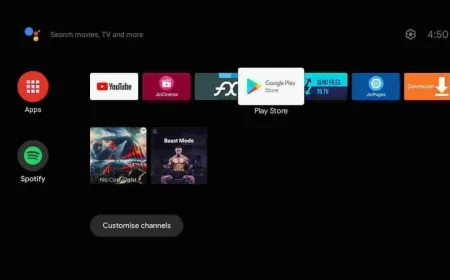
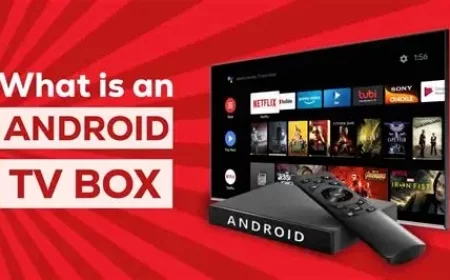
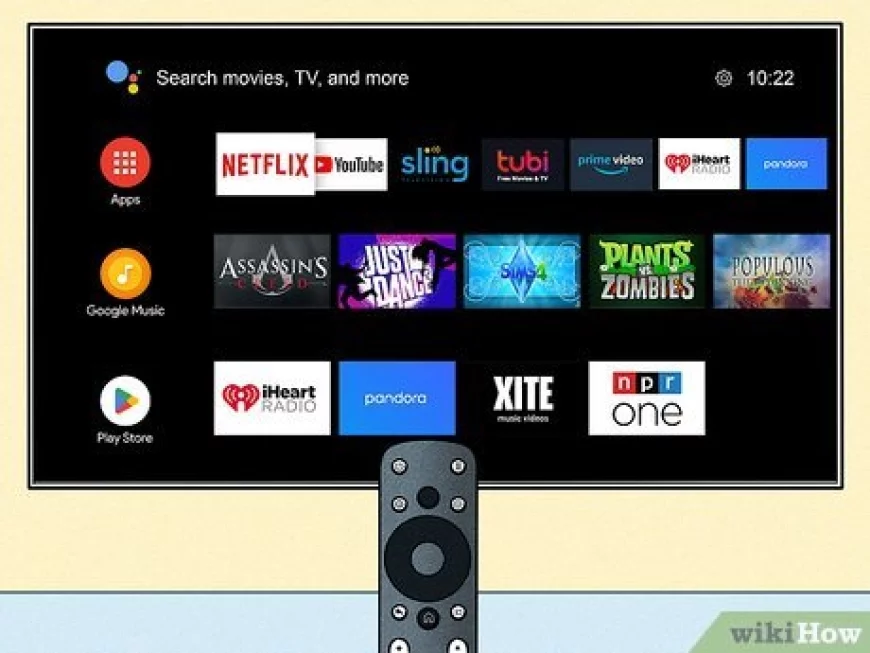
An Android TV Box is a small media device that connects to your television and transforms it into a smart TV. It runs on the Android operating system (like your smartphone), allowing you to install apps from the Google Play Store and stream content directly on your TV.
What Is an Android TV Box? A Complete Beginner’s Guide
In today’s world of smart entertainment, the Android TV Box has become one of the most popular devices for streaming movies, TV shows, sports, and even live channels. But what exactly is an Android TV Box, and why are so many people switching to it? In this guide, we’ll explain everything you need to know — in simple terms — to help you decide if it’s right for you.
---
1. What Is an Android TV Box?
An Android TV Box is a small media device that connects to your television and transforms it into a smart TV. It runs on the Android operating system (like your smartphone), allowing you to install apps from the Google Play Store and stream content directly on your TV.
Once connected, you can:
Watch movies and series via Netflix, YouTube, IPTV, and more.
Play games or listen to music.
Browse the internet or use social media.
Access thousands of free and paid streaming apps.
---
2. How Does an Android TV Box Work?
Using an Android TV Box is simple:
1. Connect the box to your TV via HDMI cable.
2. Connect it to the internet (Wi-Fi or Ethernet).
3. Log into your Google account.
4. Download your favorite streaming apps — and enjoy endless content!
Most Android TV Boxes come with a remote control or even voice command support (via Google Assistant), making navigation very easy.
---
3. Main Features of an Android TV Box
✅ 4K & HDR Support – Enjoy ultra-HD image quality.
✅ Powerful Processors – Smooth performance for streaming or gaming.
✅ Expandable Storage – Add SD cards or USB drives to store more apps.
✅ Customizable Interface – You control how your home screen looks.
✅ Voice Control – Use your voice to search movies, channels, or apps.
---
4. Android TV Box vs Smart TV: What’s the Difference?
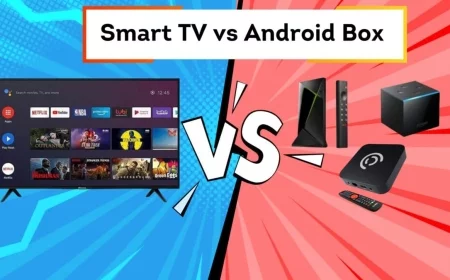
While Smart TVs have built-in apps, an Android TV Box offers more freedom and flexibility. You can install any Android app, use IPTV services, and update software easily. It’s also much cheaper to buy an Android TV Box than a new Smart TV.
---
5. Why You Should Get One
Here are the top reasons why users love Android TV Boxes:
🔹 Affordable way to upgrade your old TV.
🔹 Access to thousands of streaming apps.
🔹 Compatible with IPTV for watching live channels.
🔹 Portable — take it anywhere and plug into any TV.
---
6. Best Uses for an Android TV Box
Streaming IPTV services for live TV and sports.
Watching Netflix or Disney+ in 4K.
Gaming with Android-compatible games.
Online learning or YouTube tutorials.
---
7. Tips Before Buying an Android TV Box
When choosing your device, look for:
Minimum 2GB RAM for smooth performance.
At least 16GB storage for apps and updates.
Dual-band Wi-Fi (2.4GHz/5GHz) for stable connection.
Support for 4K HDR if you have a UHD TV.
Popular brands include Xiaomi Mi Box, Nvidia Shield, and MAG boxes.
8. Final Thoughts
An Android TV Box is one of the easiest and most affordable ways to transform any television into a full-featured smart entertainment system. Whether you’re a movie lover, sports fan, or casual streamer — this device offers limitless possibilities at your fingertips.
Android TV Box, what is Android TV Box, best Android TV Box 2025, Android TV Box setup, IPTV Android Box, Android Box for streaming, smart TV upgrade, Android TV Box guide
What's Your Reaction?
 Like
0
Like
0
 Dislike
0
Dislike
0
 Love
0
Love
0
 Funny
0
Funny
0
 Angry
0
Angry
0
 Sad
0
Sad
0
 Wow
0
Wow
0